Web Security - Filter Rule Simulation
 Updated 7 months ago
by
admin
Updated 7 months ago
by
admin
The Filter Rule Simulation feature allows administrators to quickly find rules based on specific conditions and matches.
Filter Rule Simulation
To access this feature, visit your Dashboard, and click Security Modules -> Web Security -> Filter Rules.

Select the Rule Simulation Icon  .
.
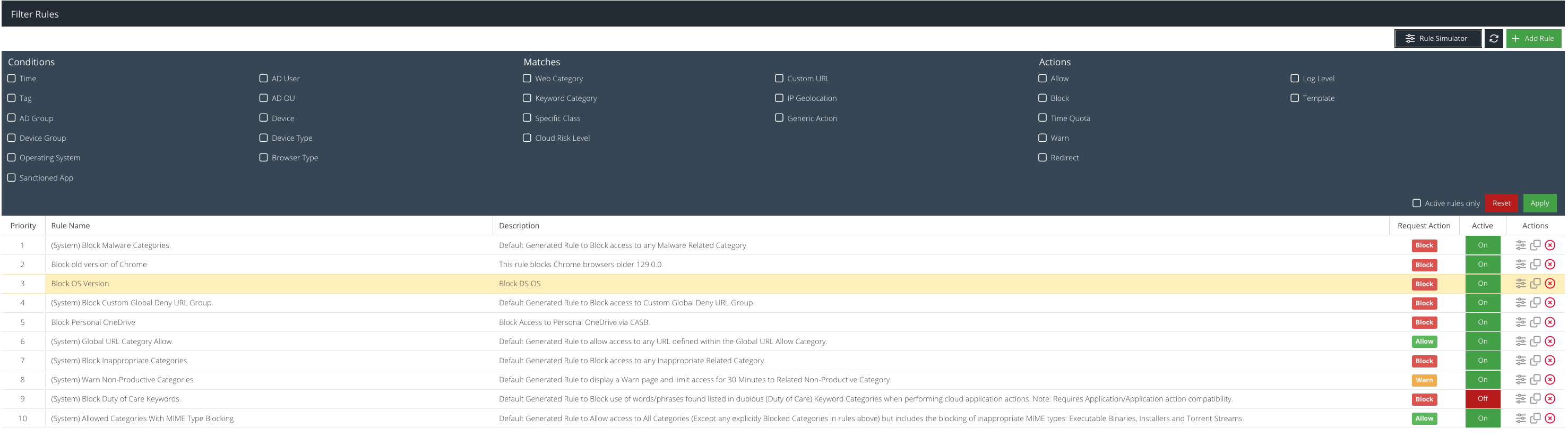
Select the required filters. Once selected, the Filter Rule list will display the matching rule(s).
