How to renew Certificates on the USS Gateway
 Updated 4 weeks ago
by
admin
Updated 4 weeks ago
by
admin
USS Gateway GUI Certificate
During the installation of the USS Gateway, a 2-year self-signed certificate is generated for use when logging into the Gateway's dashboard.
To renew this certificate, access the Gateways CLI, then switch to the root account by typing sudo su Then re-enter your password.

Once at the root prompt, enter the command below:
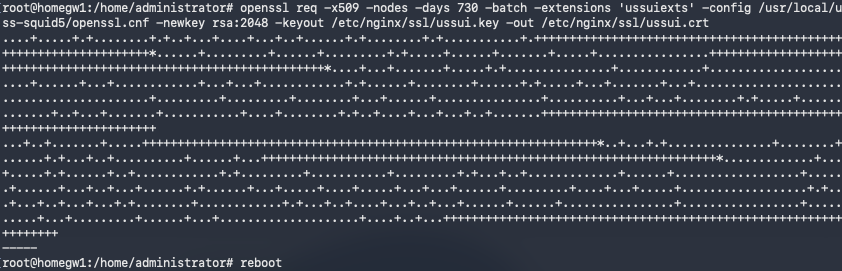
openssl req -x509 -nodes -days 730 -batch -extensions 'ussuiexts' -config /usr/local/uss-squid5/openssl.cnf -newkey rsa:2048 -keyout /etc/nginx/ssl/ussui.key -out /etc/nginx/ssl/ussui.crt
Once the command is completed, please reboot the Gateway.
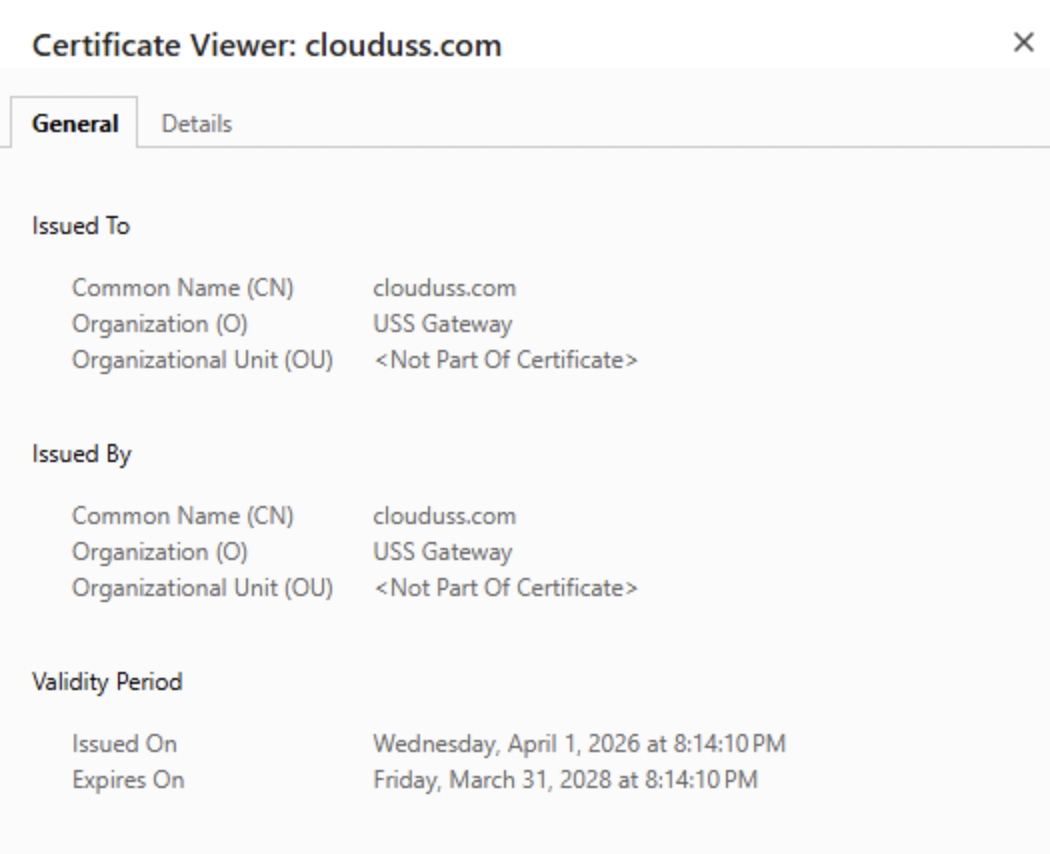
The new certificate will be generated and will now display the date when it was generated. The example below was created on 01/04/2026.
USS Gateway Client Certificate
The USS Gateway provides a 10-year client-side certificate that is required to perform SSL inspection. To renew this certificate, access the Gateways CLI, then switch to the root account by typing sudo su Then re-enter your password.

Once at the root prompt, enter the command below:
openssl req -new -newkey rsa:2048 -batch -config /usr/local/uss-squid5/openssl.cnf -days 3650 -nodes -x509 -keyout /usr/local/uss-squid5/ussgw.pem -out /usr/local/uss-squid5/ussgw.pem
openssl x509 -in /usr/local/uss-squid5/ussgw.pem -outform DER -out /var/www/ussgw.der
openssl x509 -in /usr/local/uss-squid5/ussgw.pem -outform PEM -out /var/www/ussgw.pem
chmod 644 /usr/local/uss-squid5/ussgw.pem /var/www/ussgw.der /var/www/ussgw.pem
test -h /var/www/ussgw.crt || ln -s /var/www/ussgw.der /var/www/ussgw.crt
Once the command is completed, please reboot the Gateway.
The console should look like the example below.

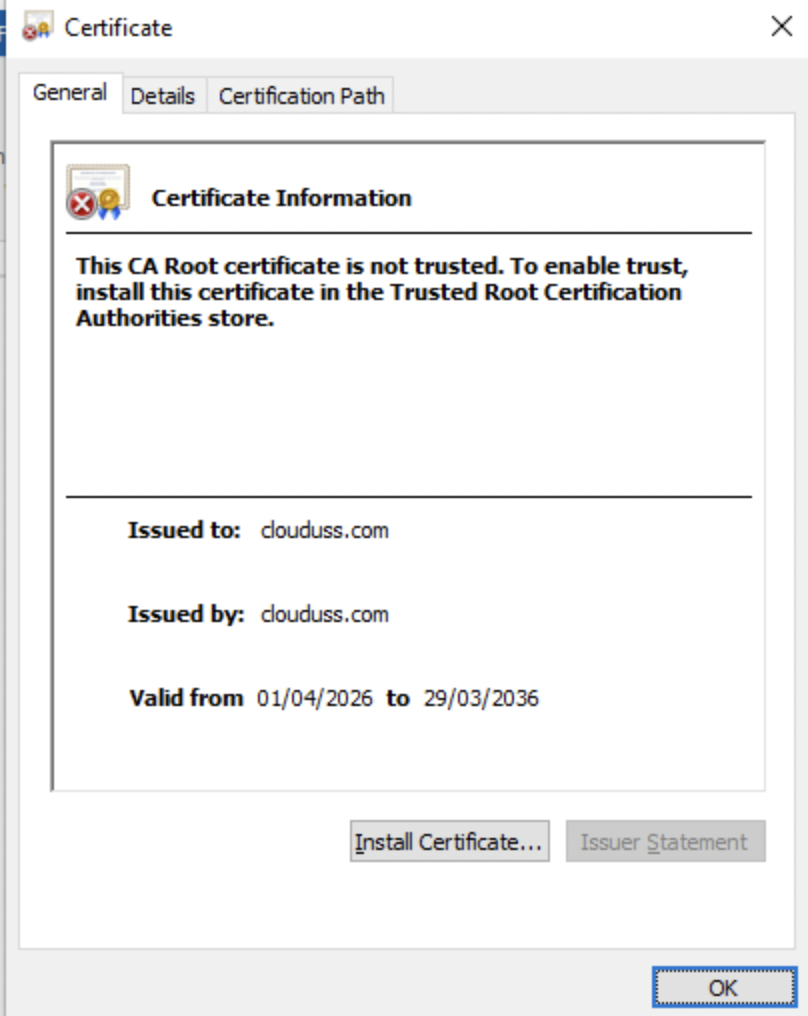
Once you have downloaded the new certificate, you can confirm that the new 10-year certificate has been generated and will now display the date when it was generated. The example below was created on 01/04/2026.