Bypassing Office 365 - Console
 Updated 2 weeks ago
by
admin
Updated 2 weeks ago
by
admin
By Microsoft's own admission, Office 365 can be problematic when trying to access Office 365 services through Filtering Software/Proxies. For this, they have a provided a list of URLs/IPs that need to be bypassed in order for the services to work correctly. This list can be found on this Microsoft KB.
As there are hundreds of URLs needing to be bypassed, we have also provided a condensed list in a USS friendly format. The URLs below act as wildcards, so will bypass entire domains, and not the exact subdomains provided by Microsoft. You can use this at your own discretion, but it offers a far smaller list for you to work with and with the same effectiveness of the list provided by Microsoft.
To begin, log in to the console and go to Browse ⟶ Categories ⟶ Bypass. Click Add Category, give it a sensible name like "Office 365" and click the green +.
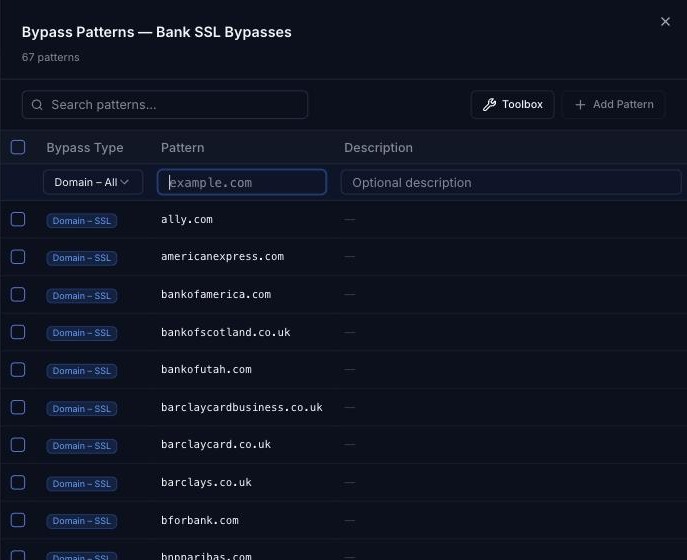
Click the settings icon on the new category's row. For each URL in the list below, click Add Pattern, set the Bypass Type to Domain – All (bypass destination domain completely), enter the URL as the Pattern and click the green +.
office365.com
cloudappsecurity.com
onmicrosoft.com
office.net
office.com
microsoft.com
microsoftonline.com
live.com
azure.net
gfx.ms
onestore.ms
msecnd.net
outlookgroups.ms
linkedin.com
msocdn.com
live.net
Microsoft lists the following URLs as optional:
cloudapp.net
windows.net
helpshift.com
localytics.com
facebook.net
oaspapps.com
uservoice.com
akadns.net
hockeyapp.net
windowsazure.com
visualstudio.net
sharepointonline.com
staffhub.ms
azureedge.net
onedrive.com
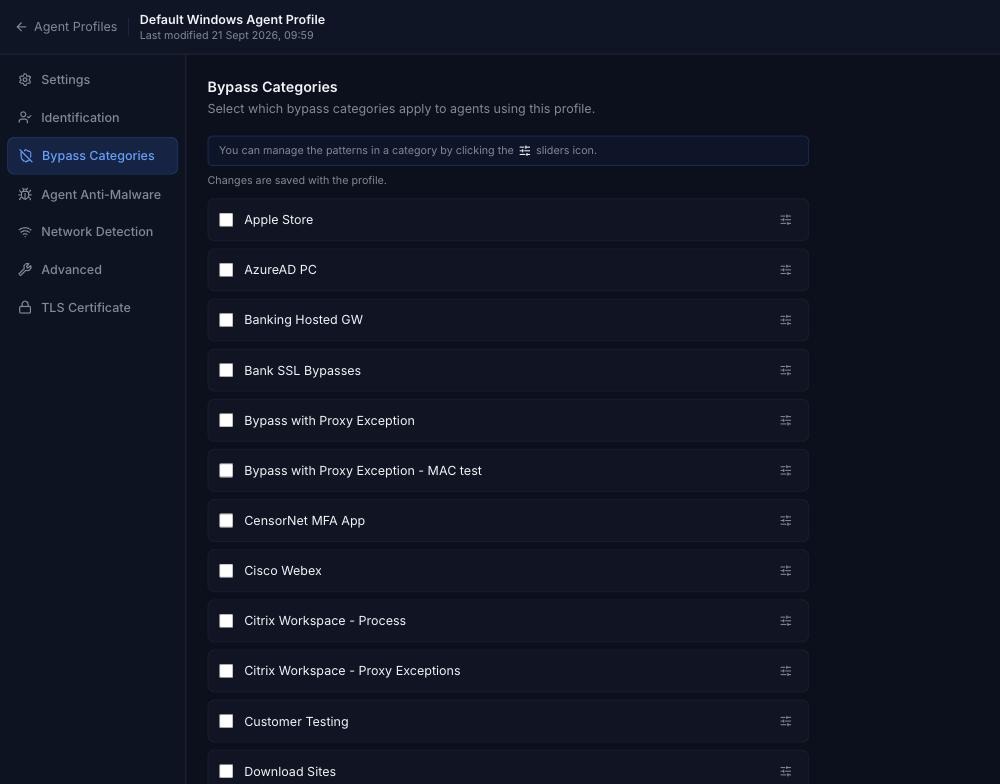
Once you've added all of these bypasses, they need to be enabled. Go to Browse ⟶ Agent Configuration and open an agent profile. Select Bypass Categories, enable the category you created above, and click Apply Changes.