Web Security - Rule Builder Simulator - Console
 Updated 2 weeks ago
by
admin
Updated 2 weeks ago
by
admin
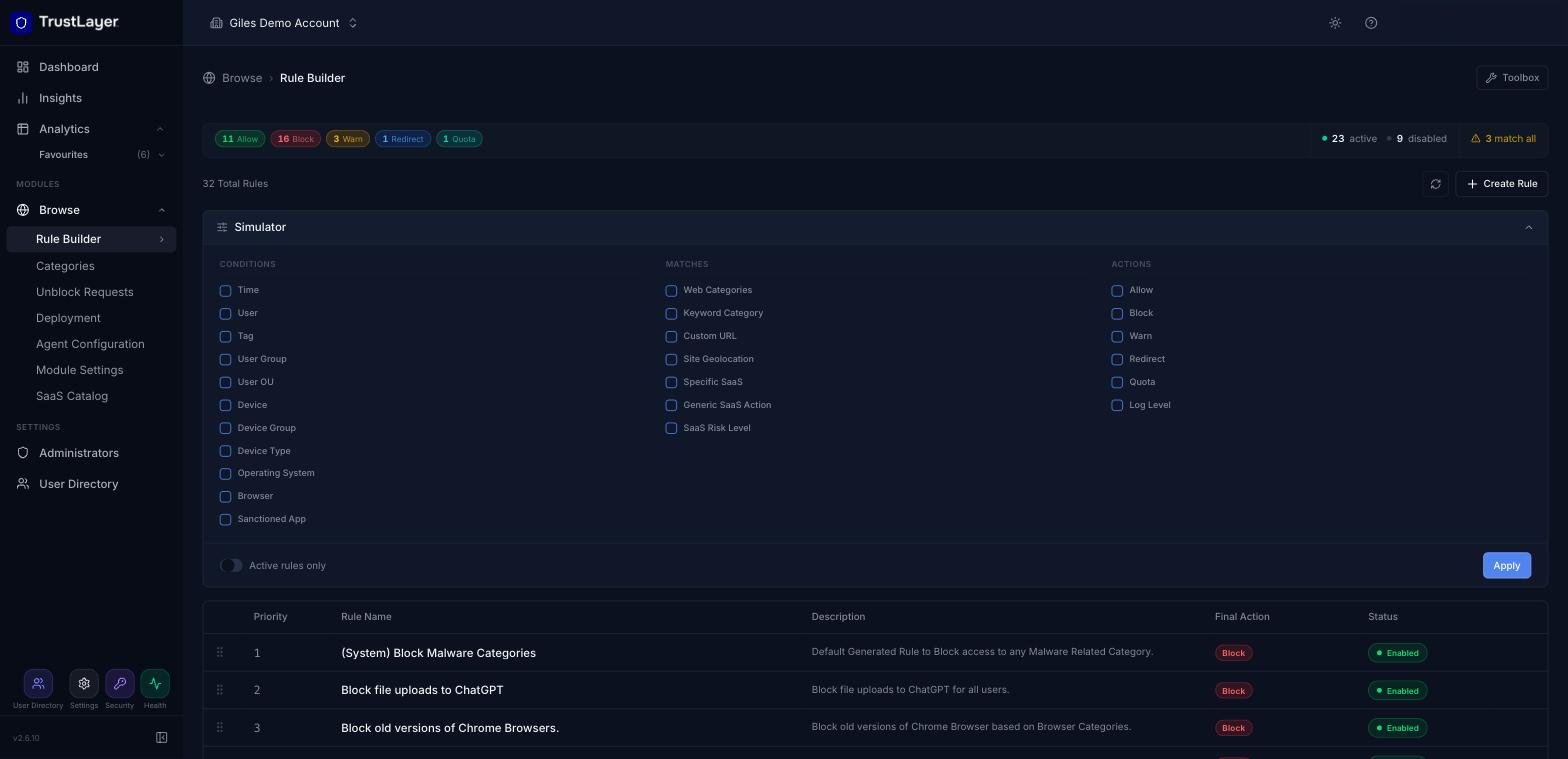
The Simulator (previously Filter Rule Simulation) lets administrators quickly find rules that use particular conditions, matches and actions.
Using the Simulator
- In the console, go to Browse ⟶ Rule Builder.
- Click Simulator above the rule list to expand it.
- Tick the Conditions, Matches and Actions you're interested in. Turn on Active rules only to ignore disabled rules.
- Click Apply. The rule list shows the matching rule(s).
To find out which rule actually handled a particular web request, use Analytics ⟶ Web Activity and check the Filter Rule column.