Download Posture Management Report Data.
 Updated 8 months ago
by
admin
Updated 8 months ago
by
admin
This KB will show you how to export report data from Posture Management.
Dashboard Report
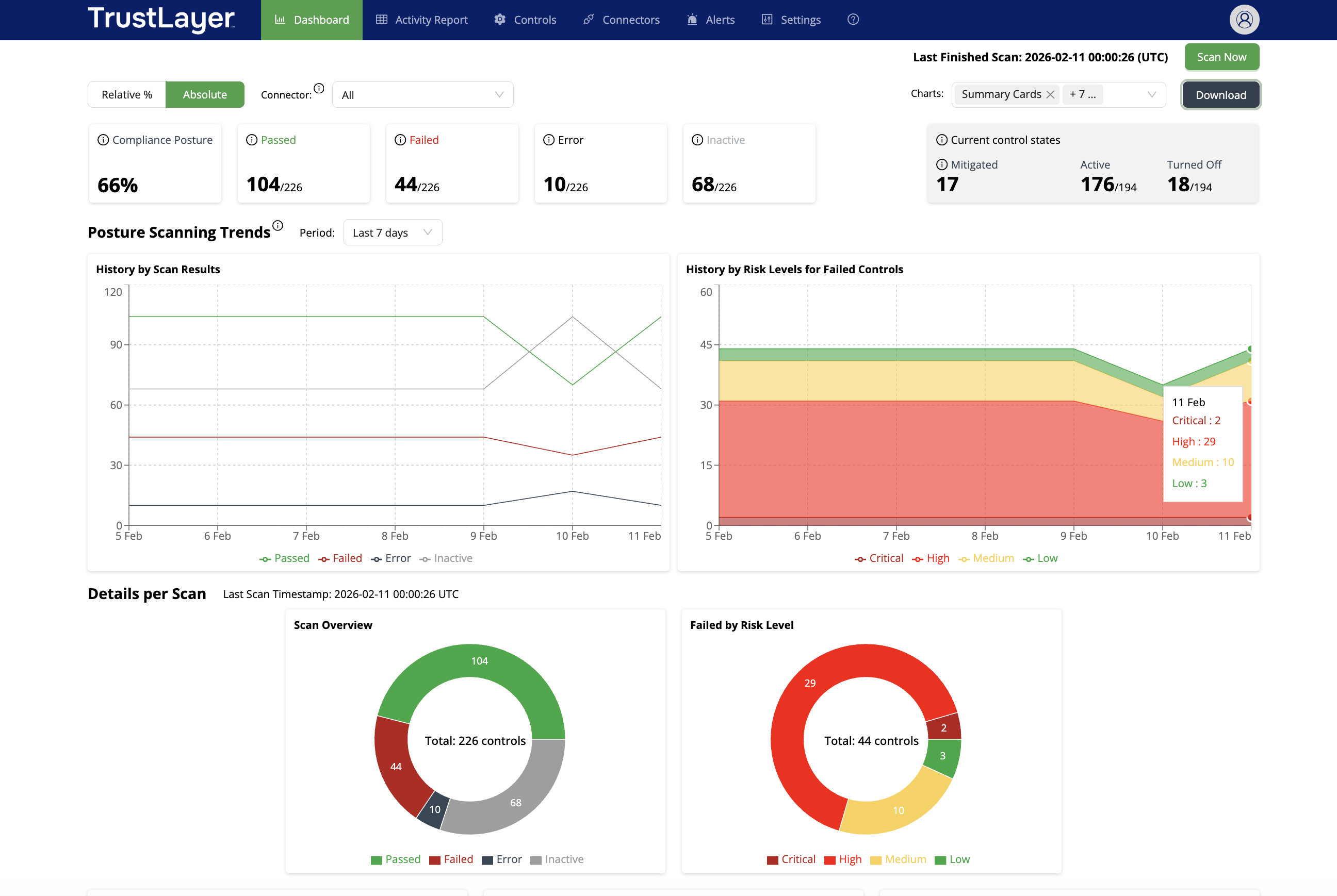
On the Dashboard Screen, you can export the data displayed as a PDF document.
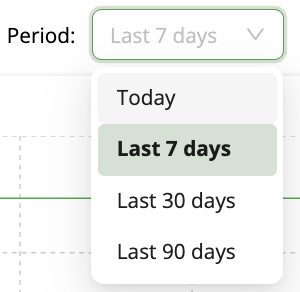
Select the time period,
Then select the  icon.
icon.
Activity Report
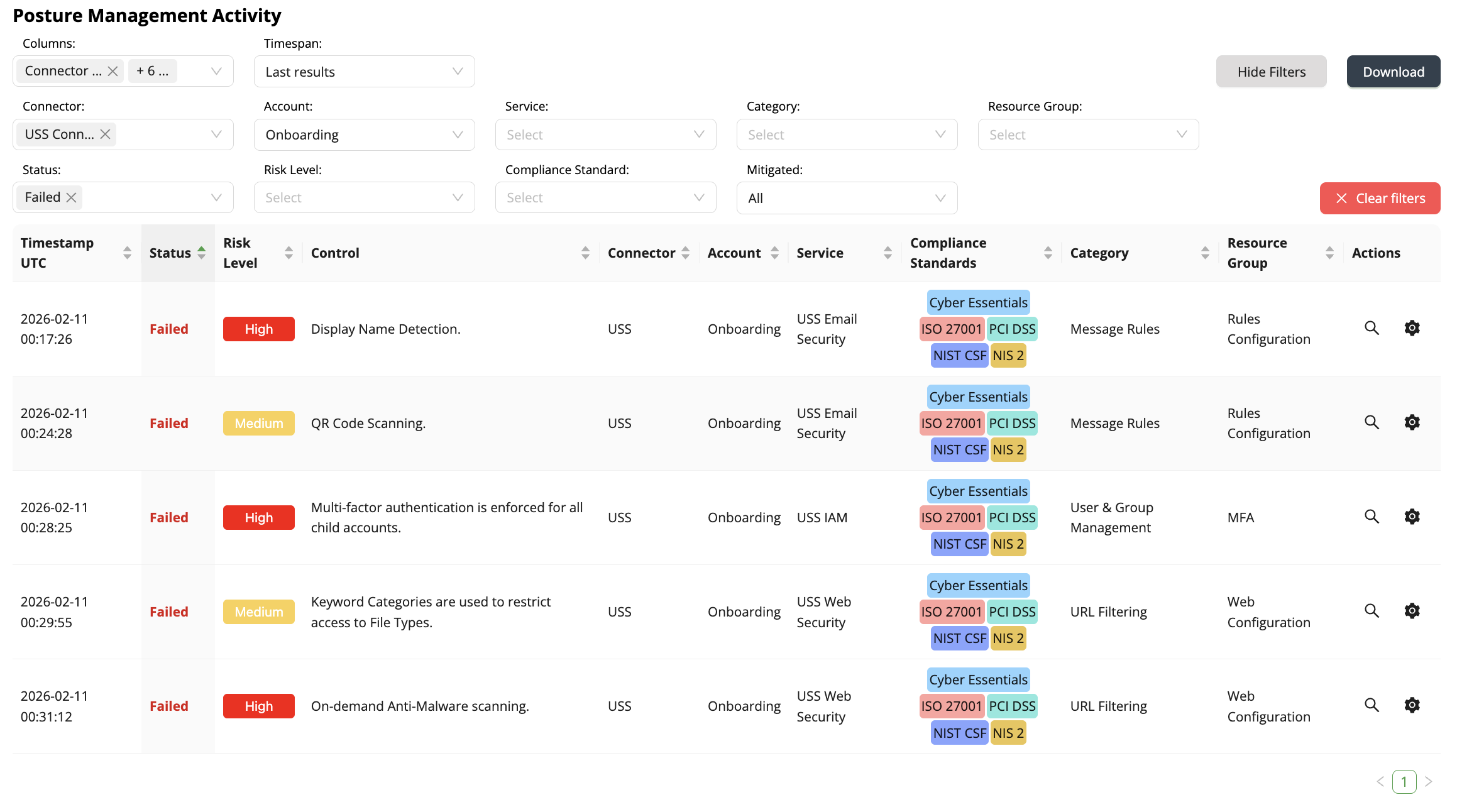
To download the Active Report data, select the Active Report tab.

Then, you can use the filter options to display the required results data.

Once the required result data is displayed, use the  icon to download the data in a CSV format.